DeepSeek V4.1-Flash-1017: coding upgrades, pricing and Search APIs
DeepSeek’s official DeepSWE chart puts 1017 at 77% pass rate for about $0.2 per task. Read the performance–cost shift, coding upgrades, pricing and new Search APIs.
12 min readGUIDES · TOPICS · UPDATES
Practical guides and fresh perspectives on Claude Code, agents, and everyday automation.
Latest story
Explore learning tracksDeepSeek’s official DeepSWE chart puts 1017 at 77% pass rate for about $0.2 per task. Read the performance–cost shift, coding upgrades, pricing and new Search APIs.
12 min readFrom understanding a codebase to long-running tasks, review, and reliable delivery.
Organize a team, verify delivery, maintain reusable Skills, and measure the work that improves.
Turn repeated work into scheduled runs, briefings, and channel updates.
An alert is not proof that an upload was blocked. Use Uber ADR and OpenShell to trace sandbox boundaries, MCP permissions and the last safe place to refuse an action.
9 min readA technical look at REA: how scoped investigation, cross-layer tracing, evidence records and original-target validation make AI-assisted reverse engineering more useful—and where the limits remain.
10 min readDiagnose missing AI reports, duplicate notifications and interrupted runs. A worked example shows how source coverage, saved decisions and delivery receipts make scheduled agents recoverable.
8 min readThe Asana 76x cost headline combines workflow and model changes. Learn how history pruning, cache reuse and repeated browsing affect the cost of an acceptable result.
7 min readUse a small dataset, a reconciliation and fictional contract clauses to learn how to check role-specific AI work and install the community selections in Onevium.
9 min readFollow a campaign, a prospect meeting and a support ticket with reusable role plugins, checkable outputs and Onevium installation steps.
9 min readAnalyze Anthropic’s sales agent through five fictional inquiries: plan fit, buyer choice, missing facts, reliable human handoffs and the economics of useful automation.
8 min readExplore Asana AI Teammates through a fictional launch team: who can change lasting guidance, how memory respects access, and what shared AI request allowances mean for costs.
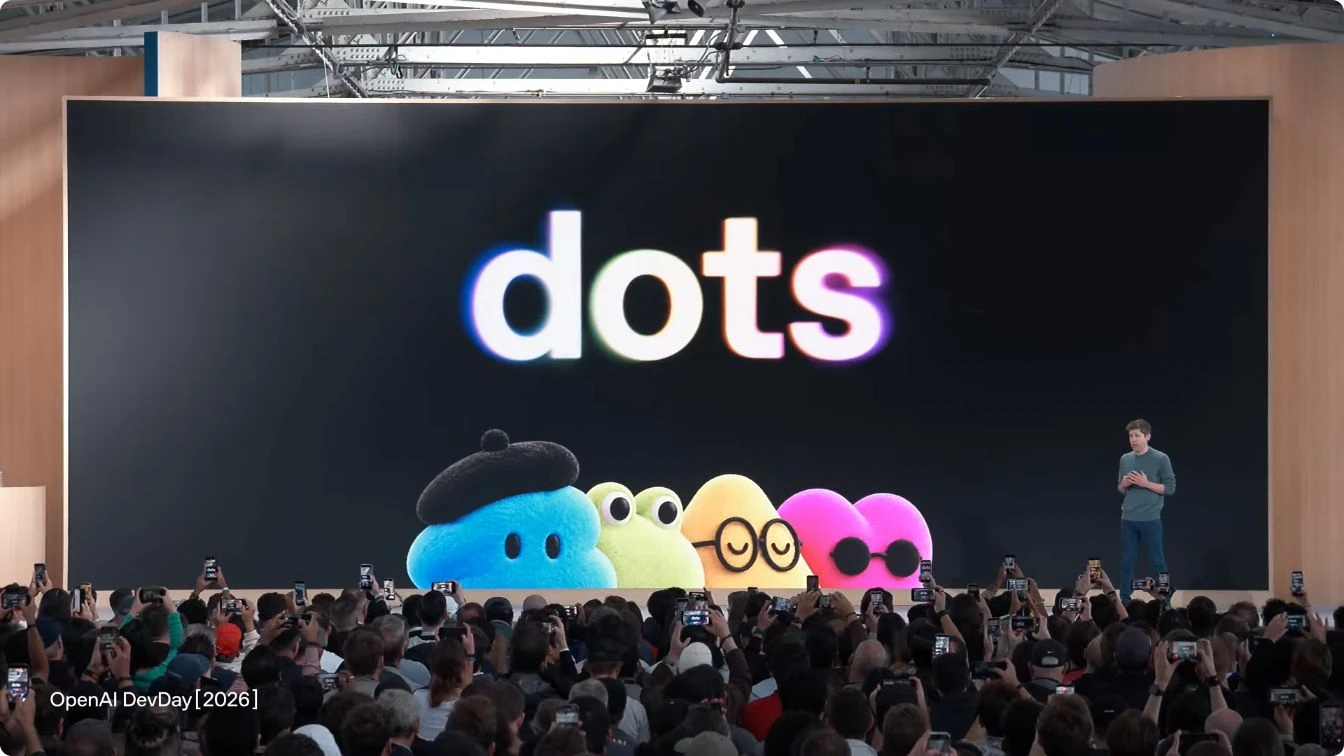
11 min readStart with the 20-plus DevDay announcements, then explore models, dots, Space, Codex, APIs and plugins through diagrams, costs and a concrete delegation scenario.
14 min readWhat Copilot Autopilot promises, its preview status and usage billing, and how QwenWork compares. Use a concrete task to assess continuity, authority and cost.
8 min readWhy Meta Muse attracted attention: free access, paid plans, Small Business, and Meta’s enterprise strategy, compared with Qwen’s services and personal agents.
17 min readPlan an AI-assisted legacy upgrade with three concrete cases: runtime updates, service replacement and changed business rules. Includes original diagrams and a runnable compatibility exercise.
12 min readRead the full official Opus 5.5, Fable 5.1, Opus 5 and GPT benchmark table and GDPval cost curve, compare API prices, and connect models with 1M context in Onevium.
10 min readJev AI is TypeSafe’s decision model for choices, scores, and judgments. Explore form filling, browser automation, and SaaS intent routing through community projects.
9 min readBuild a quote draft from fictional site notes, customer confirmations and a rate card. Trace each line, keep unpriced items visible, and check a second-round change.
7 min readFollow a weekly reporting assistant through trace review, error analysis, metrics, judge validation, paired comparisons, and production monitoring, with five original figures and reproducible synthetic data.
35 min readSeparate CI queue time, execution, and retries, then run an offline exercise that selects tests conservatively and catches a missed failure through full-suite comparison.
8 min readExplore workspace customization, browser viewport controls, file previews, built-in skills, voice vocabulary learning, and the SDK update in Onevium 1.2.1, with steps to try them.
8 min readRepair broad triggers, unnecessary reading, and conflicting instructions with three before-and-after Skills. Run six boundary cases in Onevium and keep evidence of what changed.
9 min readCompare a small AI workflow with its manual baseline, including review, rework and costs. Use Onevium with fictional CSVs, a runnable calculator and checks that keep unknowns visible.
8 min readUse Onevium to compare meeting notes with a CRM export, draft evidence-linked updates, and keep uncertain details out of customer records. Includes fictional practice files and review answers.
8 min readExplore the redesigned Onevium workspace, find pages from a conversation's browsing history, and learn what to check before upgrading on macOS or Windows.
4 min readBuild a small release-summary evaluation with negative controls, traces, hard checks, and baselines, and understand where agent-skills-eval fits.
10 min readTrace the official workshop and reference code to understand cloud execution, local tools, persistent sessions, and the work still required for production.
18 min readOrganize requirements, implementation, and verification with Onevium @Team. Practice on a runnable customer-export project with reference code and acceptance checks.
12 min readBuild a first AI reporting workflow with three tiny CSV files. Find duplicates, trace every count, and spot the missing data before trusting the summary.
7 min readConnect WeChat private chats, organize work across Team sessions, call Onevium through its built-in API, and send code review notes back to your assistant.
3 min readAn accessible guide to AI-native software development with Claude Code: a realistic team workflow, four diagrams, testable acceptance criteria, and clear release boundaries.
9 min readOnevium 1.1.22 adds private on-device voice dictation, managed dev services, richer Feishu and DingTalk context, and Claude Fable 5.1.
6 min readLearn how Claude Code /goal keeps a session working across turns, how it differs from /loop and auto mode, and how Onevium 1.1.19 makes progress visible.
7 min readHard tasks are rarely one straight line of thought. Ultracode lets Claude Opus 4.8 decompose a job, run sub-agents in parallel, check their work against each other, and bring back one answer — all rendered as a single live workflow card you can watch and drill into.
6 min readThe @ menu is where Onevium stops feeling like a chatbot and starts feeling like a workbench: Widget, Browser, Schedule, Channel, Skill, Memory, Agent, MCP, Plugins, and project files all one keystroke away.
7 min readWidget is the tool you reach for when a text answer is not enough. Ask Onevium to build a chart, mockup, SVG diagram, draw.io-style flow, or small interactive app directly from the conversation.
6 min readBrowser lets Onevium open, inspect, click, and automate real web pages. That turns the assistant from a code-only helper into a teammate that can test flows, inspect dashboards, compare competitors, and gather evidence.
7 min readSchedule creates recurring jobs, reminders, and reports. Channel sends the results to DingTalk, Feishu, or Discord. Together they turn Onevium from a private assistant into a repeatable team workflow engine.
7 min readMemory saves project facts, Skill turns instructions into reusable workflows, Agent delegates focused work, and MCP connects external tools. Together they make Onevium better the longer your team uses it.
8 min readAnthropic shipped Claude Opus 4.8 on 2026-05-28 — the strongest agentic coding model on the market, with materially better SWE-Bench Pro, OSWorld-Verified, and GDPval-AA scores than Opus 4.7. Onevium 1.1.9 picks it up the same day. Switch model, run a long task, see the difference.
6 min readAnthropic just shipped Dynamic Workflows in Claude Code: dozens of parallel subagents, adversarial verification, jobs that survive across sessions. Here is what changes for engineering teams, and how the same primitives compose inside Onevium's scheduled-task and memory layers.
7 min readCursor has rules, Claude Code has CLAUDE.md, every tool claims to have memory. So why does your AI keep asking the same questions? Onevium 1.1.6 ships a three-layer memory system that actually shows up in every reply — and lets you see exactly what it remembered.
7 min readEvery morning you stare at five chat sessions across three projects and try to remember which one had the unfinished migration. Daily Briefing is the page that does that for you — automatically, cross-project, every morning.
5 min readv1.1.2 finishes two threads we have been pulling on for months: the multi-platform Channels bridge becomes a calm, inline-editable surface, and the in-app Browser graduates from a preview pane to a full browsing surface with a persistent profile.
5 min readv0, Lovable, and Bolt preview a generated UI inside their own sandbox. Onevium gives your AI agent a real browser pinned to your real codebase — and that changes the loop.
6 min readSubagents split exploration, review, and implementation into parallel isolated contexts. Here is when delegation beats a single long session.
5 min readAnthropic's Managed Agents introduced the harness pattern — a self-evaluating orchestration layer that closes the reliability gap between demo agents and production agents.
6 min readAnthropic just launched Managed Agents — cloud-hosted, sandboxed agent infrastructure. Here is what that changes for teams already running agents locally.
7 min readPersistent memory is the missing layer in agentic IDEs. Here is how context engineering turns a stateless agent into one that actually knows your project.
6 min readBinary permission models break in practice. A tiered approach — default, auto, and full access — gives agents room to work without giving up control.
5 min readSet up cron-based AI tasks that run on their own — daily standups, weekly reports, production health checks — without manual prompting.
5 min readTurn Feishu, DingTalk, or Discord threads into scoped AI tasks — without leaving the conversation.
6 min readTurn a plain-language browser request into a bounded staging test, with synthetic accounts, explicit checks, evidence, and clear stop conditions.
4 min readCatch regressions, flag missing tests, and enforce team conventions — with an AI reviewer that knows your codebase.
5 min readTrace one feature from interface to data, separate verified findings from guesses, and build a useful first-change checklist with Onevium.
4 min readWork through a three-card layout with a complete design brief, focused feedback, and browser acceptance checks that keep human review explicit.
6 min readOrganize a local development task around project context, service readiness, browser evidence, and an explicit handoff.
3 min readA UI review checklist for showing the active browser target, meaningful progress, approvals, and honest task results.
3 min readA practical Feishu and DingTalk pilot: choose a narrow task, isolate context, verify recipients, and handle retries without duplicate actions.
3 min read